No profile project set
Projects by @blanddrum7934830
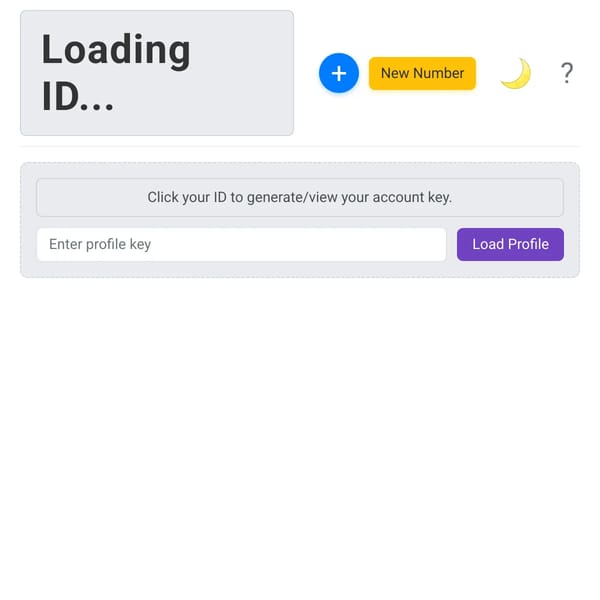
texting people
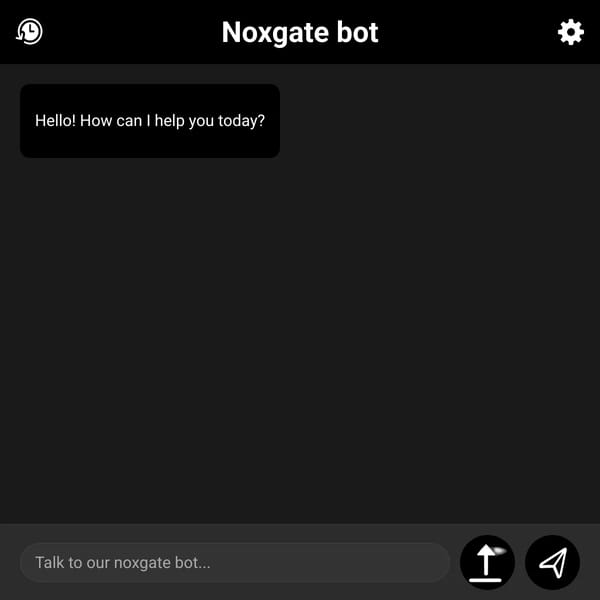
AI Bot

forums 998765

Objective: Design and build a standalone web-based interactive polls module. This module should facilitate a multiplayer experience where multiple users can simultaneously participate in a poll and observe real-time collective outcomes. It should be easily integratable into a larger dashboard or application. Core Functionality (User-Facing Interface - Multiplayer Interaction): Single Active Poll Display: A visually distinct section that prominently displays one current poll question at a time. The question should be clear and concise. Multiplayer Voting: Users are presented with a predefined set of answer options (e.g., 2 to 5 options) for the active poll. Users can select only one option. The system must handle simultaneous votes from multiple users seamlessly. Real-Time Results Display: Crucially, immediately after any user casts a vote, the poll display for all active users should dynamically update in real-time to show the current percentage breakdown for each answer option. This creates the "multiplayer" feeling of watching the collective results evolve. Votes should be recorded and reflected in the percentages instantly. Anonymity: Ensure that individual user votes are entirely anonymous; only the aggregated, percentage-based results are visible to the "multiplayer" audience. User Experience: The voting process should be intuitive and require minimal clicks (e.g., a single tap/click to vote). Clear visual feedback after a vote is cast (e.g., button state changes, results appear). Admin Functionality (Separate Interface): Poll Creation: An interface for administrators to create new poll questions. Ability to define multiple answer options for each new poll. Poll Management: Option to activate/deactivate a specific poll, making it the currently displayed poll on the user-facing module. Ability to edit existing poll questions or answer options (before activation or if no votes have been cast). Option to delete polls. Results Viewing: Administrators should be able to view detailed results for all past and active polls, including total votes cast and final percentages. Scheduling/Refresh (Optional but Recommended): Functionality to schedule polls to become active at a specific time, or to set a duration after which a poll automatically closes. Alternatively, a simple manual "Next Poll" button for admins to cycle polls. Technical Considerations: Frontend Component: A modular, reusable UI component for displaying the poll and its results, designed to receive and render real-time updates. Backend API: Endpoints for fetching the current active poll. Endpoints for submitting a user's vote. Utilize WebSockets or similar real-time communication protocols to push poll result updates to all connected users, enabling the "multiplayer" feel. Endpoints for admin operations (create, activate, view results). Database Schema: Design a database structure to store: Poll questions. Answer options for each poll. Individual votes (anonymized, linked to specific options). Responsiveness: The module should be fully responsive and function well on desktop, tablet, and mobile browsers.
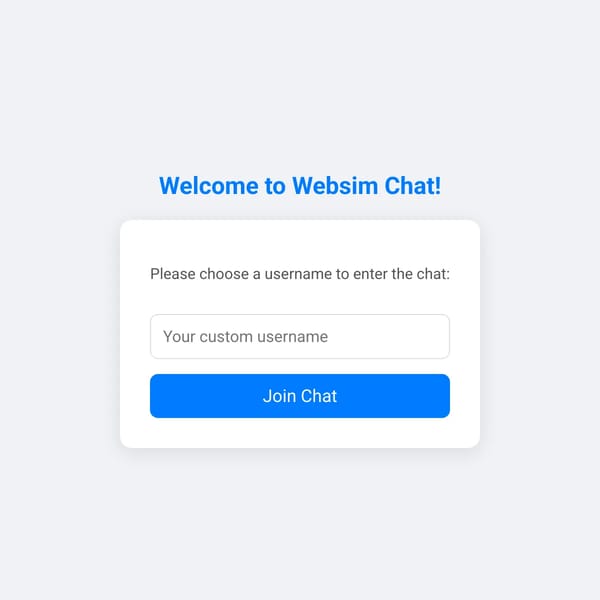
Websim Chatroom

blanddrum7934830
Joined June 21, 2025
0Views
texting people
AI Bot
forums 998765
Objective: Design and build a standalone web-based interactive polls module. This module should facilitate a multiplayer experience where multiple users can simultaneously participate in a poll and observe real-time collective outcomes. It should be easily integratable into a larger dashboard or application. Core Functionality (User-Facing Interface - Multiplayer Interaction): Single Active Poll Display: A visually distinct section that prominently displays one current poll question at a time. The question should be clear and concise. Multiplayer Voting: Users are presented with a predefined set of answer options (e.g., 2 to 5 options) for the active poll. Users can select only one option. The system must handle simultaneous votes from multiple users seamlessly. Real-Time Results Display: Crucially, immediately after any user casts a vote, the poll display for all active users should dynamically update in real-time to show the current percentage breakdown for each answer option. This creates the "multiplayer" feeling of watching the collective results evolve. Votes should be recorded and reflected in the percentages instantly. Anonymity: Ensure that individual user votes are entirely anonymous; only the aggregated, percentage-based results are visible to the "multiplayer" audience. User Experience: The voting process should be intuitive and require minimal clicks (e.g., a single tap/click to vote). Clear visual feedback after a vote is cast (e.g., button state changes, results appear). Admin Functionality (Separate Interface): Poll Creation: An interface for administrators to create new poll questions. Ability to define multiple answer options for each new poll. Poll Management: Option to activate/deactivate a specific poll, making it the currently displayed poll on the user-facing module. Ability to edit existing poll questions or answer options (before activation or if no votes have been cast). Option to delete polls. Results Viewing: Administrators should be able to view detailed results for all past and active polls, including total votes cast and final percentages. Scheduling/Refresh (Optional but Recommended): Functionality to schedule polls to become active at a specific time, or to set a duration after which a poll automatically closes. Alternatively, a simple manual "Next Poll" button for admins to cycle polls. Technical Considerations: Frontend Component: A modular, reusable UI component for displaying the poll and its results, designed to receive and render real-time updates. Backend API: Endpoints for fetching the current active poll. Endpoints for submitting a user's vote. Utilize WebSockets or similar real-time communication protocols to push poll result updates to all connected users, enabling the "multiplayer" feel. Endpoints for admin operations (create, activate, view results). Database Schema: Design a database structure to store: Poll questions. Answer options for each poll. Individual votes (anonymized, linked to specific options). Responsiveness: The module should be fully responsive and function well on desktop, tablet, and mobile browsers.